Skip to content

Explore What’s Inside
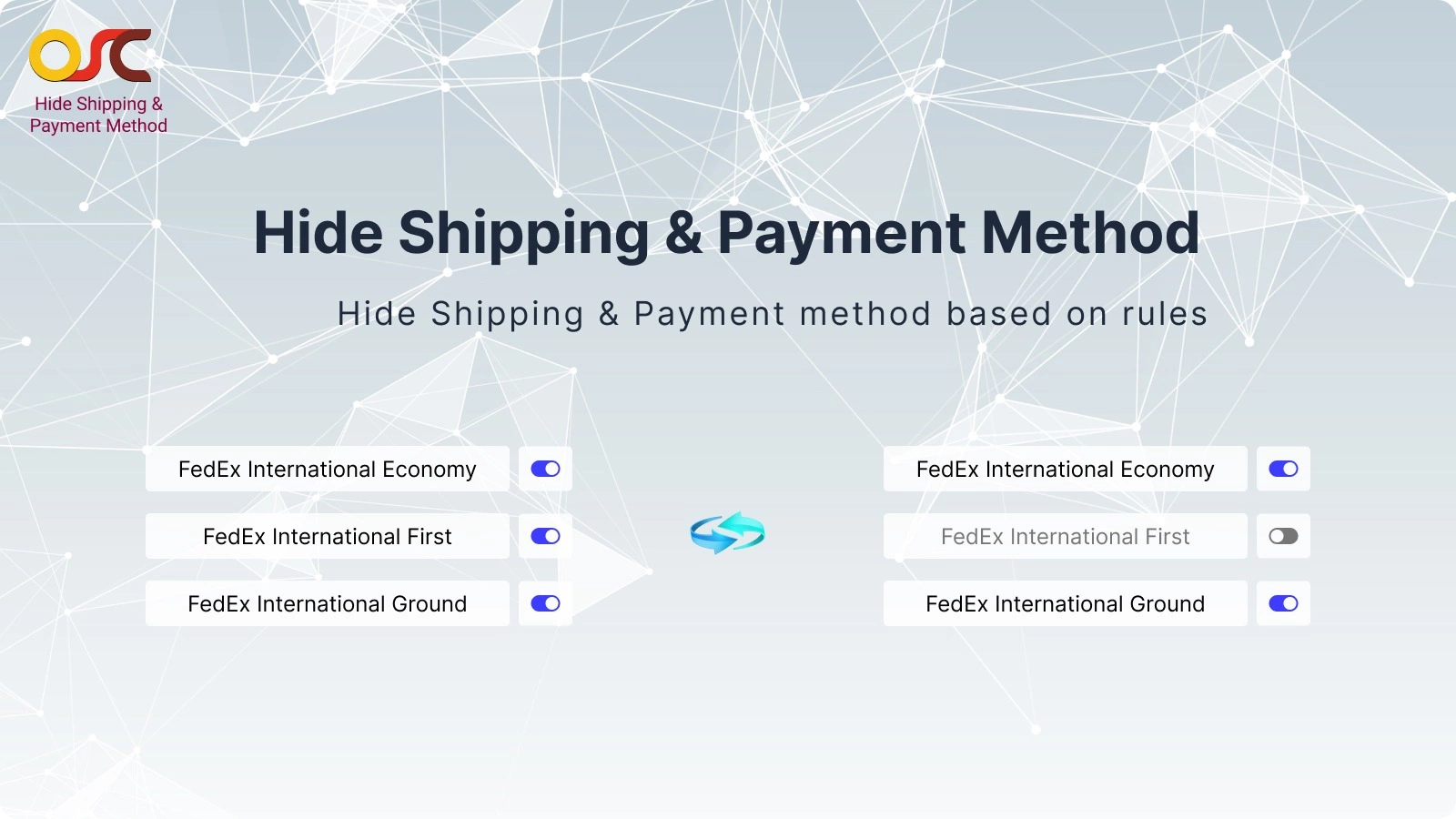
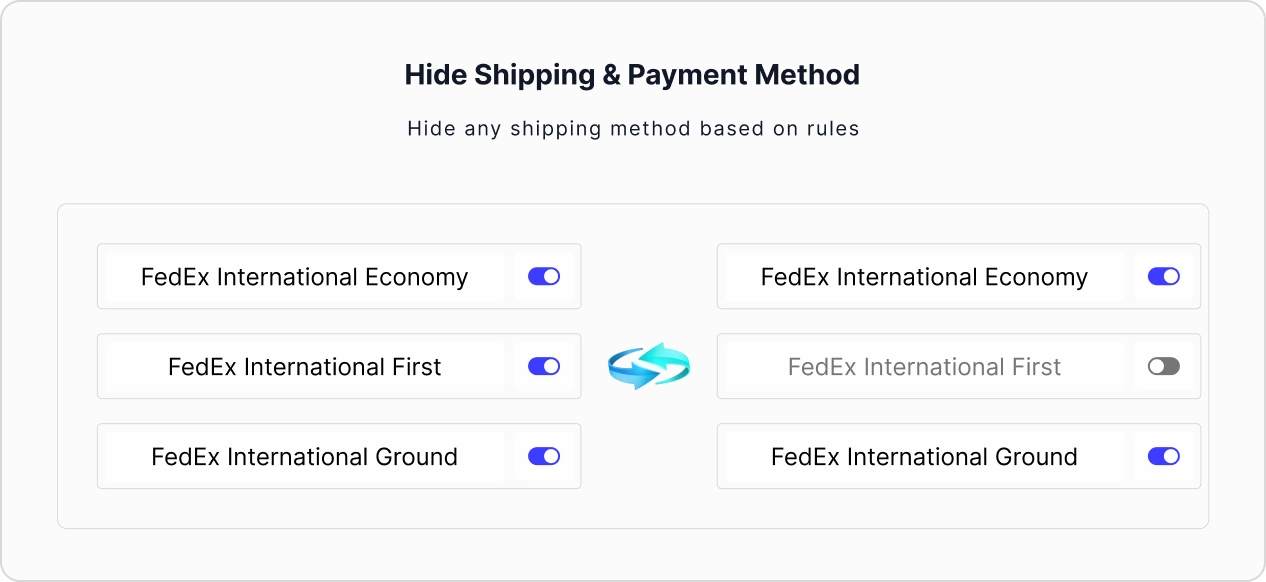
Hide Shipping & Payment methods dynamically based on Products, Customer Tags, Cart Total at checkout.
What this app offers:
OSCP Hide Shipping & Payment Methods allows you to automatically control which shipping and payment options appear at checkout. You can manage visibility based on products, cart total, and customer types, ensuring each customer sees only the most relevant options for their order.
 Features
 Features
 Automatic Checkout Control
- Hide shipping and payment methods automatically at checkout.
- Control visibility based on products, cart total, and customer conditions
- Show only the most relevant checkout options to each customer
Shipping Method Controls
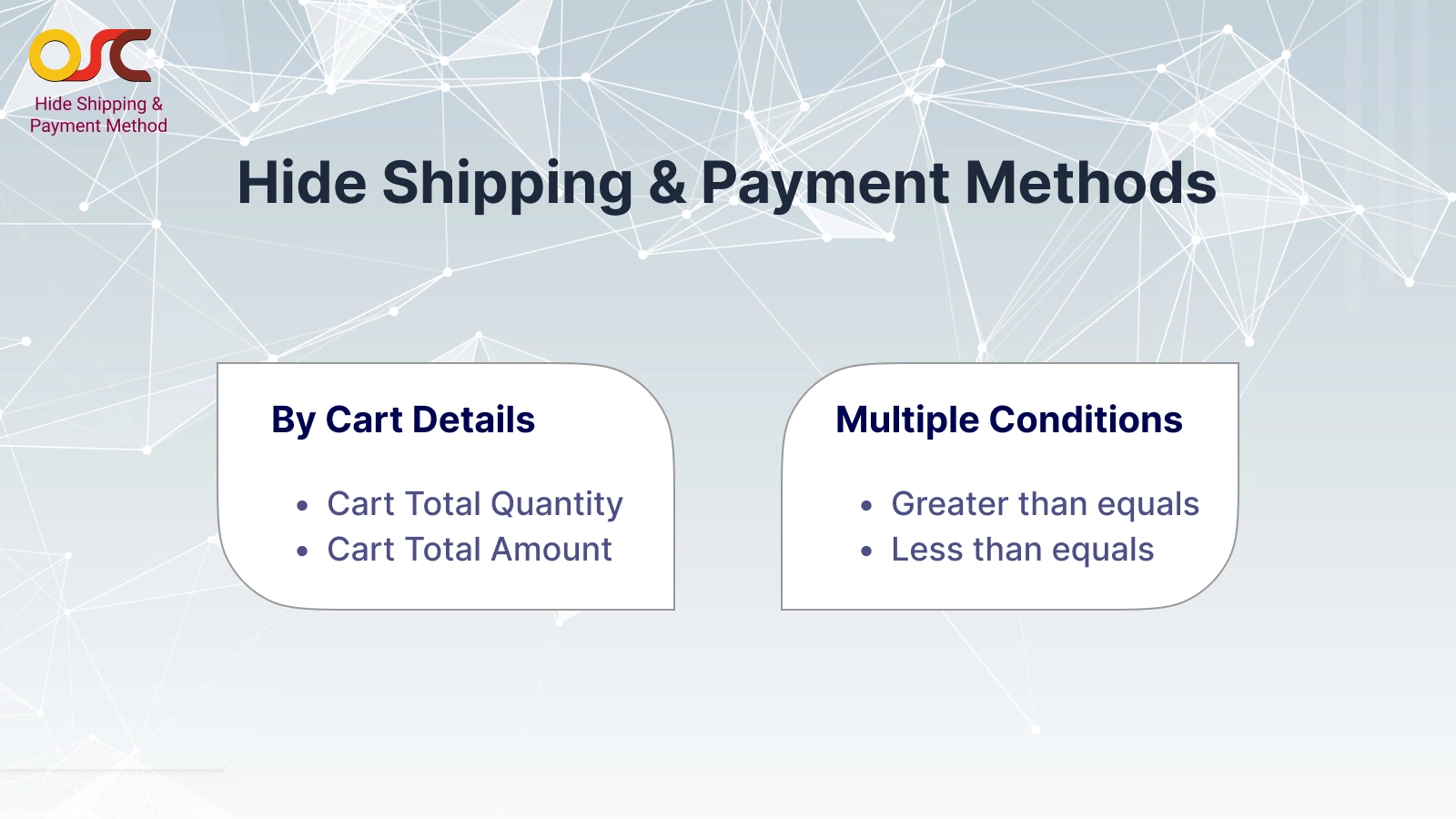
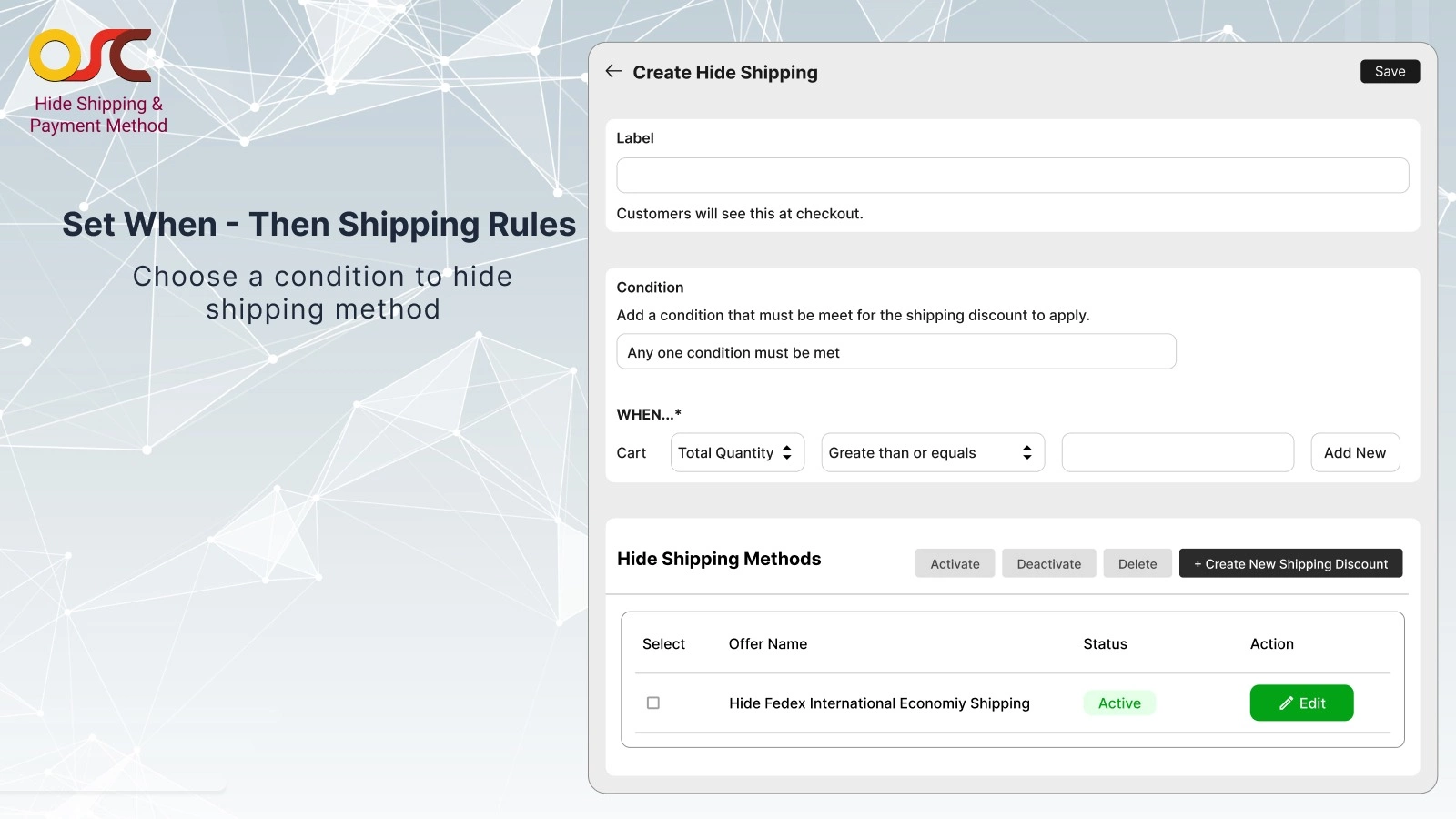
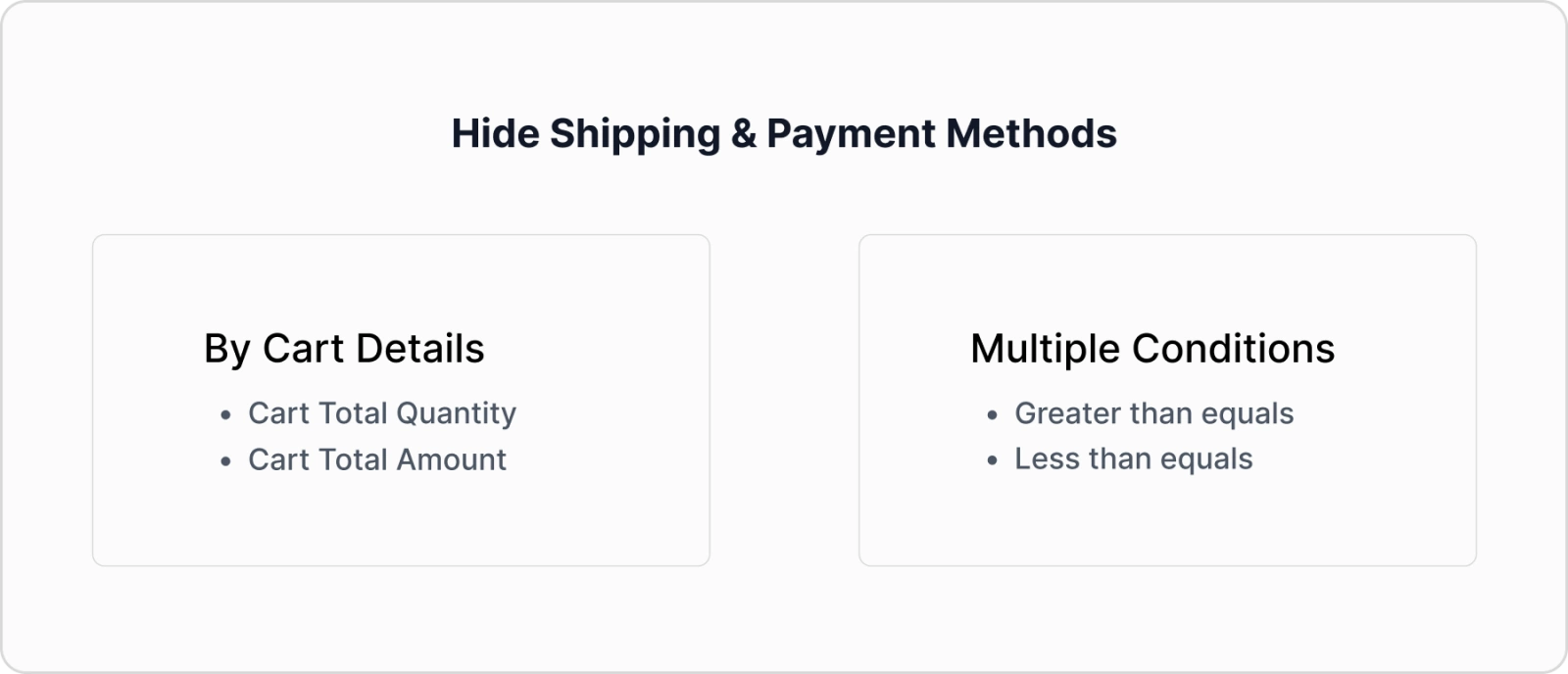
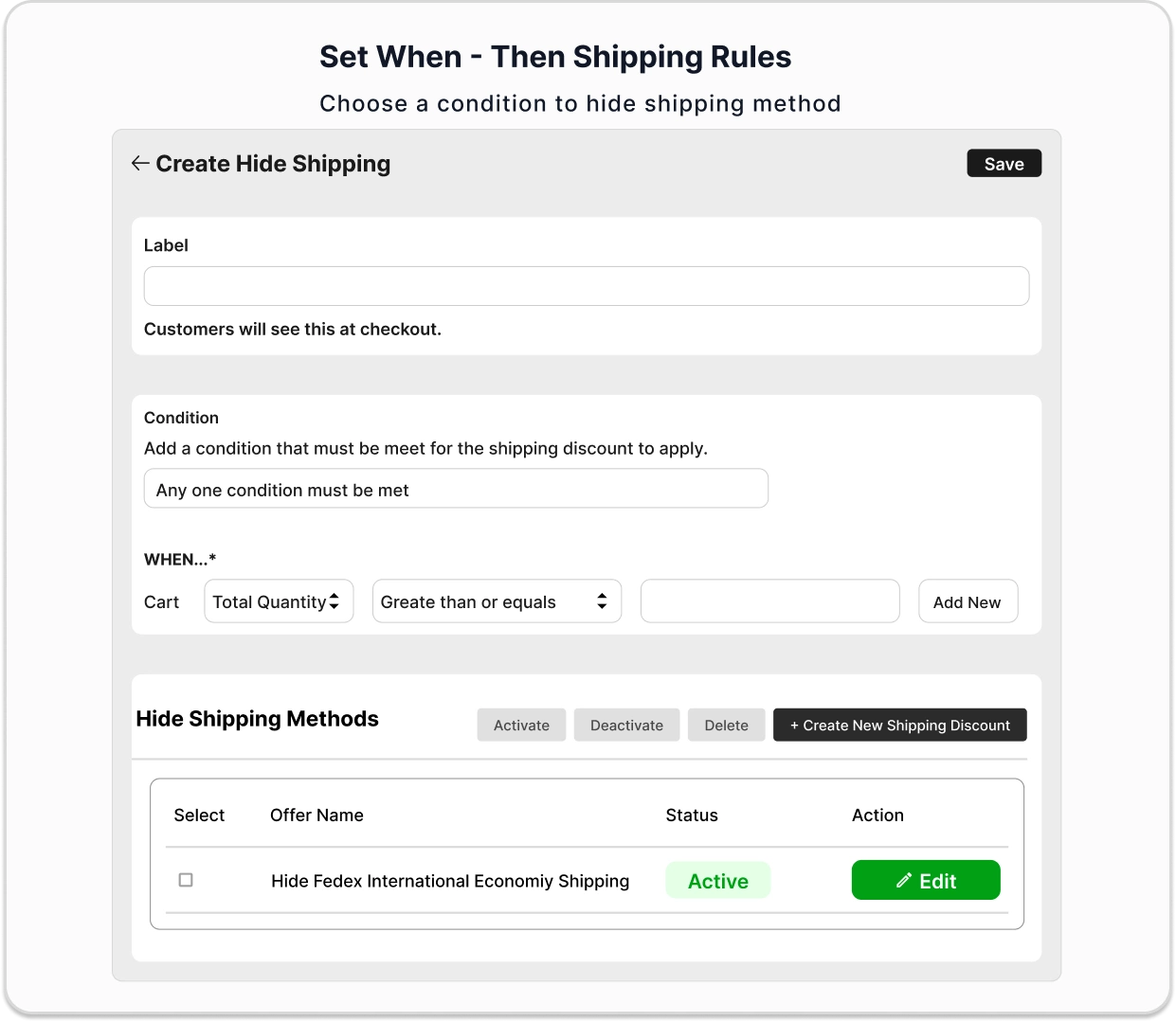
- Cart total amount–based rules
- Cart quantity–based rules
- Greater than or equal to conditions
- Less than or equal to conditions
Advanced Shipping Conditions
- Hide shipping methods using smart conditions.
- Apply rules for specific products or collections.
- Control shipping methods by country or region.
- Ideal for economy, express, or freight shipping control.
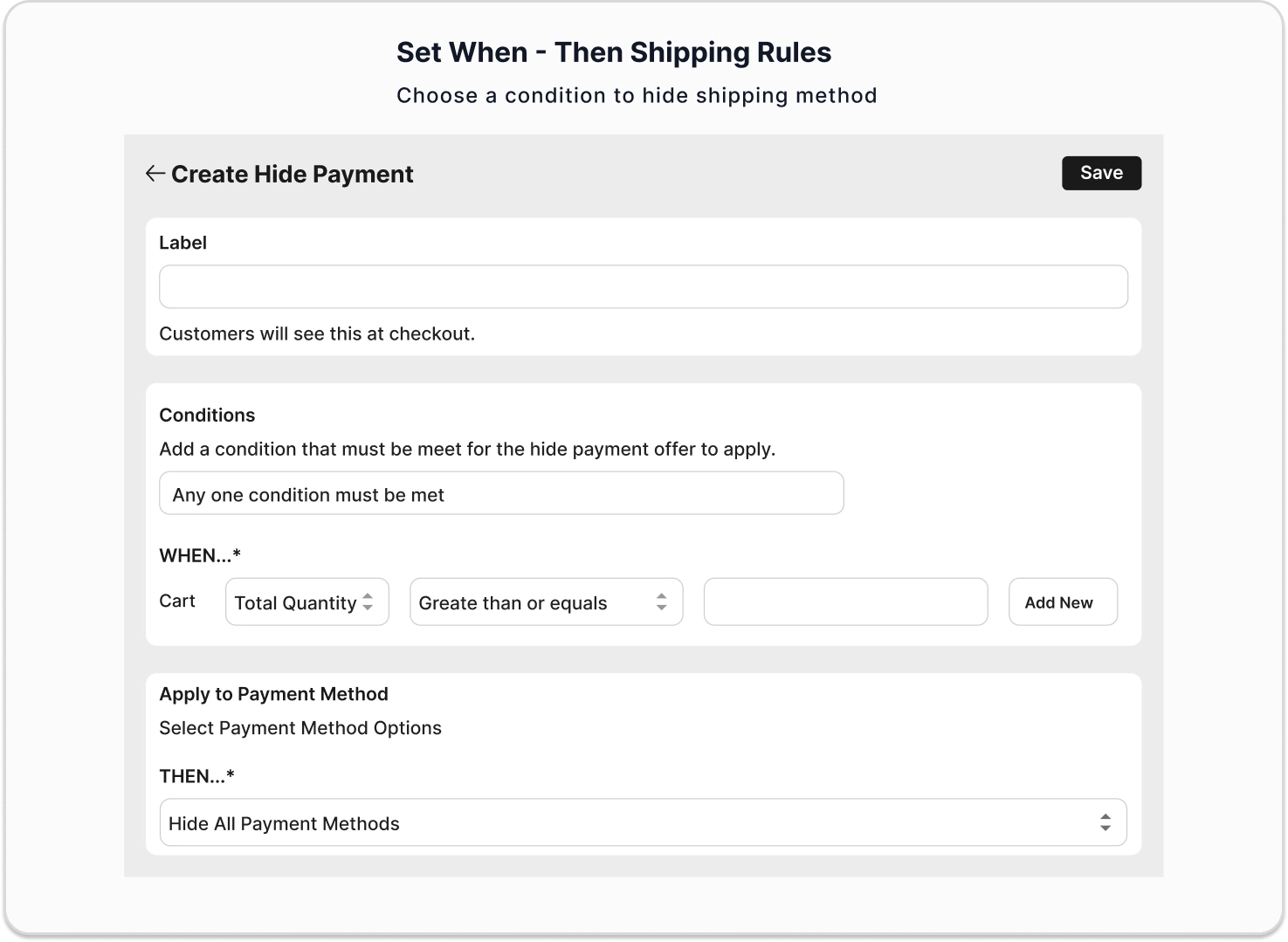
Payment Method Controls
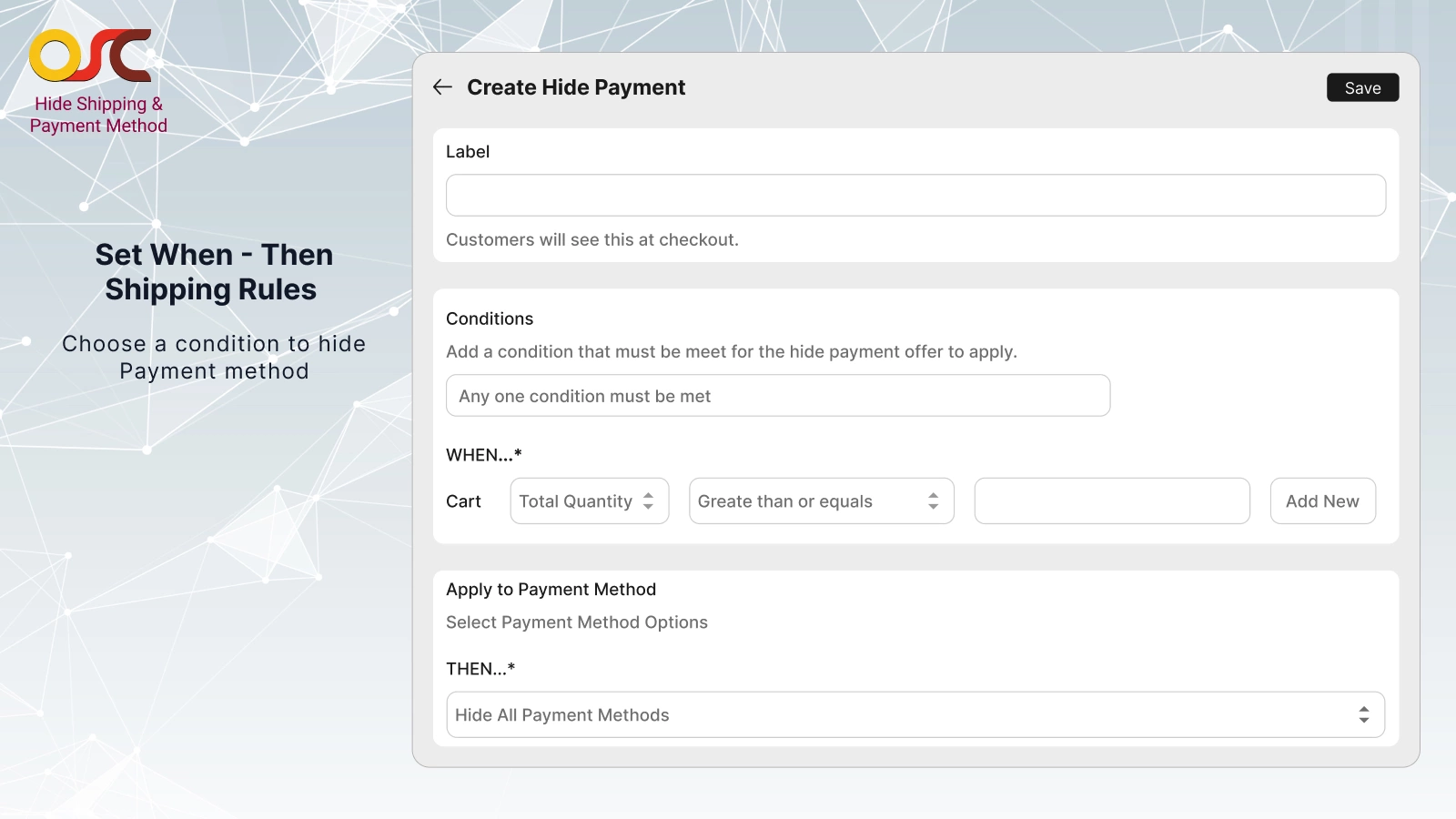
- Hide Cash on Delivery for high-value orders
- Disable payment methods for international customers
- Show invoice or bank transfer for B2B customers
- Rules apply automatically in real time
Product & Customer-Based Rules
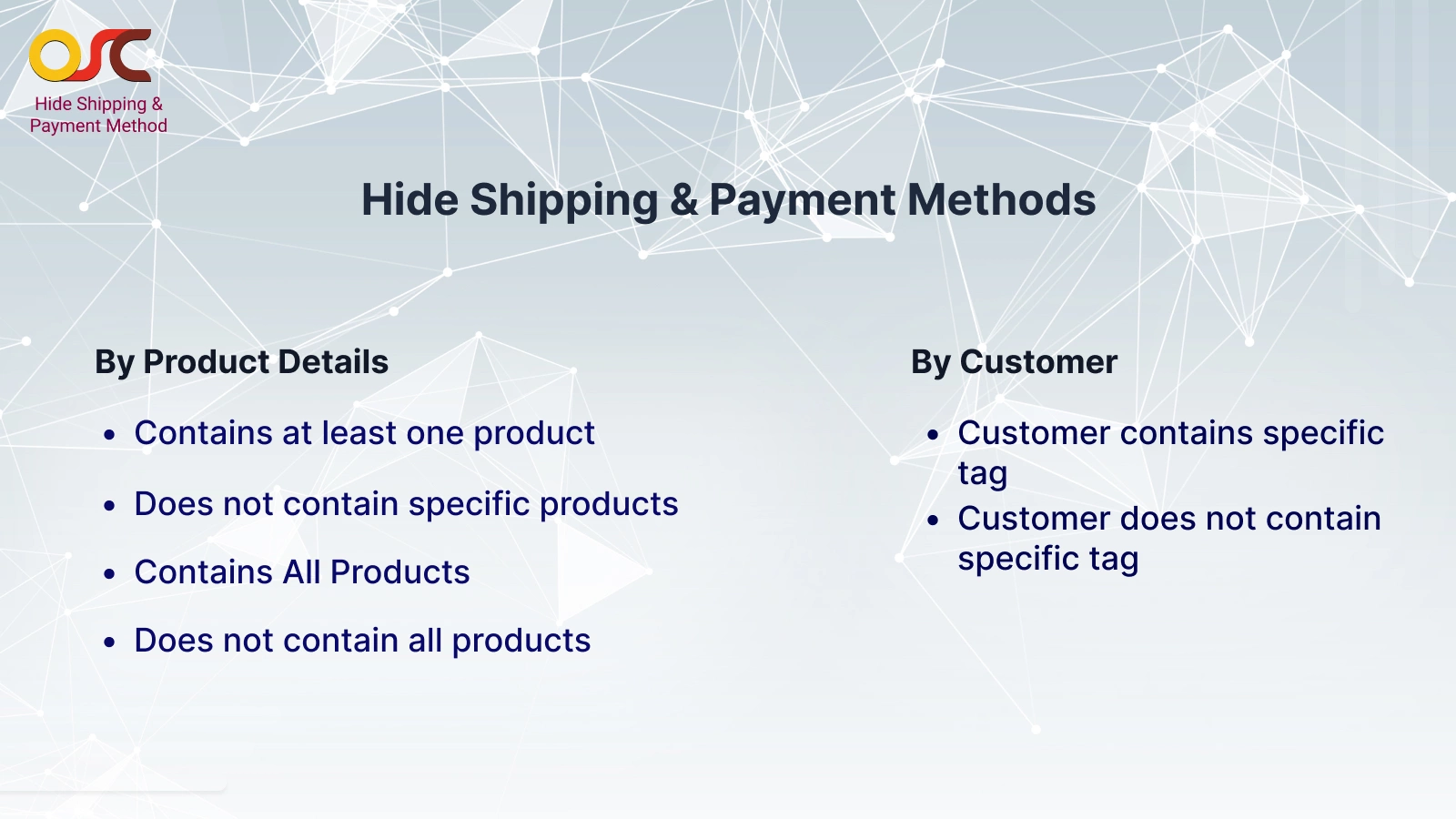
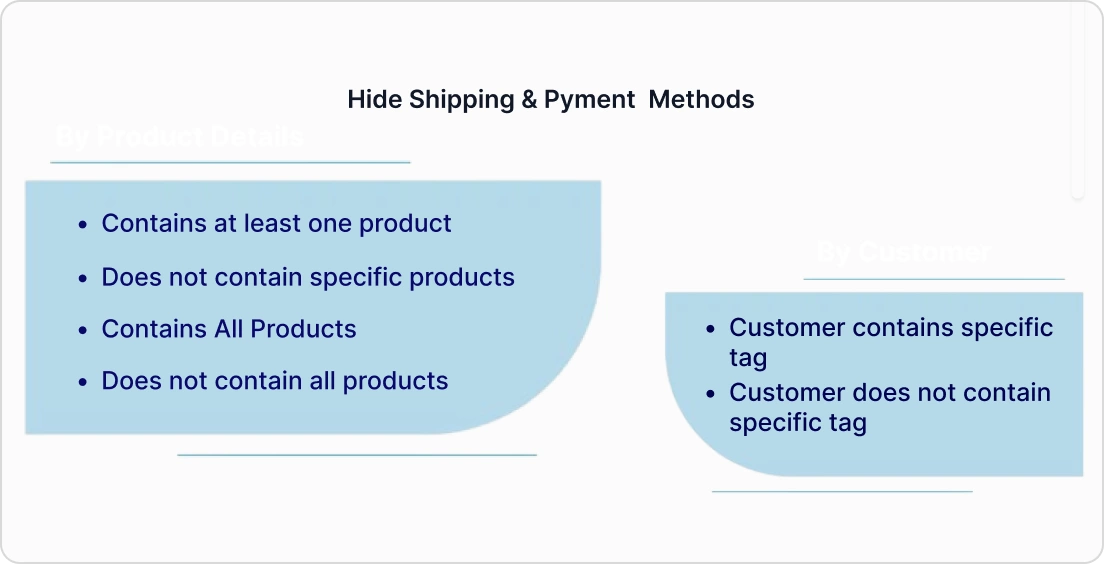
- Apply rules when the cart contains specific products
- Exclude methods when products are not in the cart
- Apply rules to entire collections
- Control checkout using customer tags such as B2B, Wholesale, and VIP
- Works seamlessly for logged-in customers and guest users
Need more help?
Find quick answers, detailed documentation, and support resources to guide you at every step





Change Log
See what’s new in the latest updates.